- Buy or Renew : +1 855-673-5515
- Support


What Does a Driver Updater Do? Complete Beginner-Friendly Guide

If you use a Windows PC or laptop, you’ve probably heard that you should “update your drivers.” But many users still wonder: What does a driver updater do? Why is it important? And what happens if you don’t update your drivers?
In this guide, you’ll understand everything clearly — in simple language, with real examples.
What Is a Driver?
A driver is a small piece of software that helps your hardware communicate with your operating system.
Without drivers, your:
- graphics card
- sound card
- Wi-Fi adapter
- keyboard/mouse
- printer
- webcam
cannot work properly.
Think of drivers as translators between your computer hardware and Windows.
What Does a Driver Update Do?
A driver update is a way to make the communication between hardware and your operating system more effective. If you are wondering what a driver update does, it mainly improves performance, stability, and compatibility.
Updating a driver brings:
1. Enhanced System Performance
The drivers that are updated take care of how the hardware uses the resources of the system, thereby making the PC quicker and smoother.
Some examples are:
- Loading of games is faster
- Playback of video is smoother
- Multitasking is better
- Lags and slowdowns are reduced
2. Bugs & Errors Are Fixed
Driver updates rectify problems like:
- System freezes
- Crashes
- Blue screen errors
- Devices not detecting properly
These bugs derive from either outdated or corrupt drivers, and updates resolve them in no time.
3. Compatibility with Hardware Has Improved
It is important to update your drivers often. This helps your hardware work well with the latest software, like new Windows updates, apps, or games.
Example:
Old GPU drivers may cause a new game to not run well.
4. Security Enhanced
Not keeping your updates current can lead to problems. It can give attackers a chance to use weaknesses in your system. Just so you know, old drivers can make your system less secure.
Driver updates patch those holes and hence, your device is protected from:
- Malware
- System breaches
- Unauthorized access
5. Improved Graphics & Gaming Performance
GPU makers such as NVIDIA and AMD regularly update the drivers to:
- Increase gaming FPS
- Remove visual glitches
- Enhance the stability of the GPU
- Allow new GPU features
If you are a gamer, GPU driver updates are very much necessary.
6. New Features and Functionality
Some of the driver updates also come with new features.
Examples are:
- Audio enhancements of a better quality
- Options for the camera that are new
- Gestures for touchpad that are improved
- More precise color profiles for displays
7. Malfunctioning of Devices is Fixed
If your:
- printer stops working
- Wi-Fi disconnects
- speakers stop producing sound
- USB devices don’t detect
- Updating drivers often fixes the problem.
What Does Updating Drivers Do?
- Updating drivers:
- Performance is improved
- Enhances security
- Boosts compatibility
- Enables new features
- Prevents system crashes
- Ensures smooth hardware functioning
In simple words, what updating drivers does is keep your PC stable, secure, and fully compatible with modern software.
What Is Driver Updater? (Definition)
A driver update involves installing the newest version of a hardware driver, aiming to enhance stability, performance, and compatibility. If you’re wondering what a driver updater is, it is a tool that automatically finds, downloads, and installs the correct drivers for your system.
Driver update can be done using:
- Windows Update
- Device Manager
- Official manufacturer website
- Dedicated driver update software
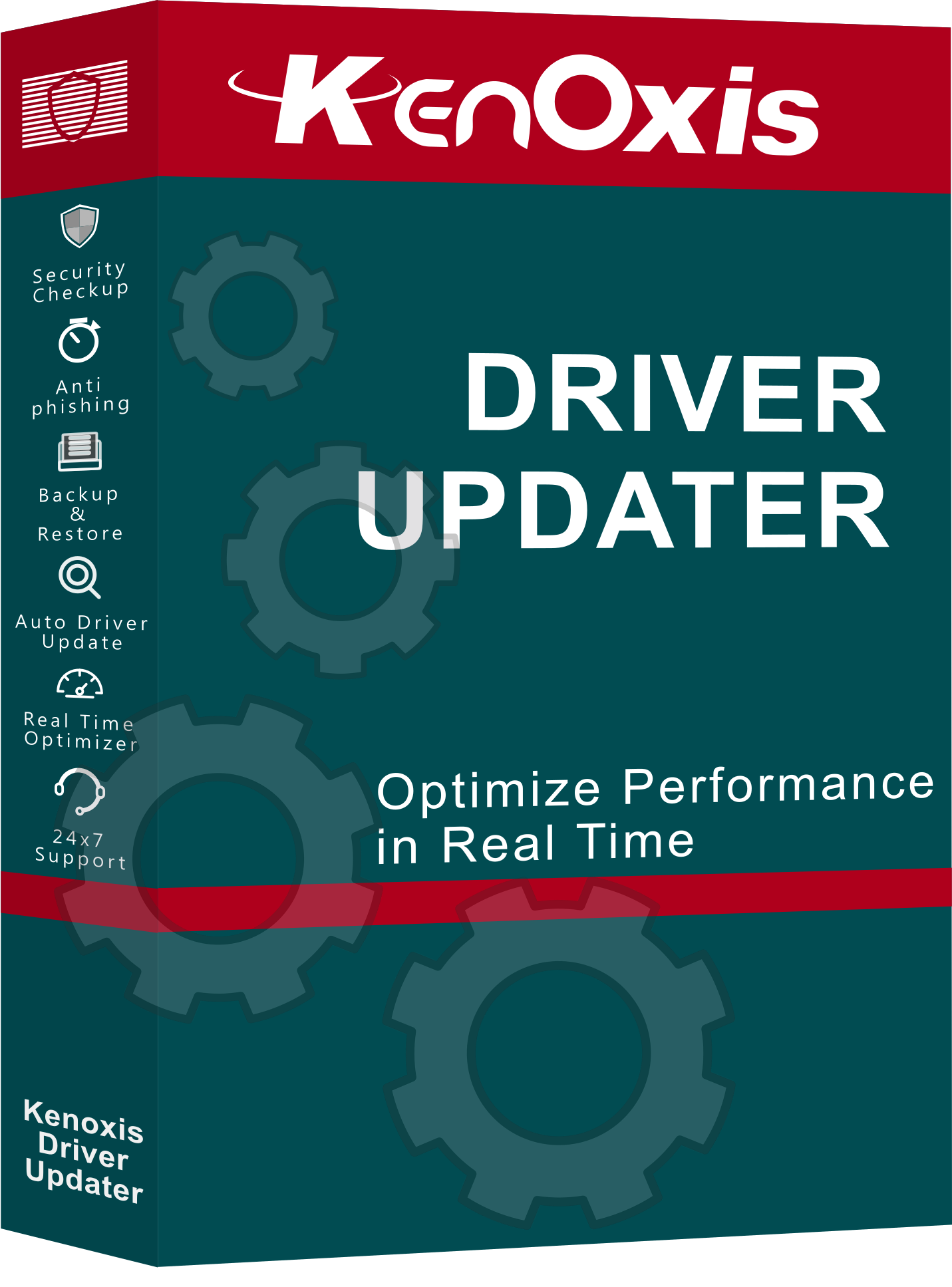
If you don't want to update drivers manually, you can use an automatic tool like Kenoxis Driver Updater to scan and update all outdated drivers in one click.
Benefits of Updating Drivers Regularly
- Faster system performance
- Fewer errors & crashes
- Better gaming & graphics
- Longer hardware lifespan
- Stronger system security
- Improved compatibility with apps & games
To make this process easier, a reliable Windows tool such as Driver Update Software can automatically improve system speed, fix errors, and keep your PC optimized.
What Happens If You Don’t Update Drivers?
Not updating drivers can cause:
- System slowdowns
- Device not working
- Poor gaming performance
- Audio/video issues
- Internet disconnection
- Security risks
- Blue screen errors
How Often Should You Update Drivers?
- Graphics drivers: Every 1–2 months
- Wi-Fi/Bluetooth: Every 3–6 months
- Audio drivers: Every 6–12 months
- Chipset drivers: During major updates
- Printers & scanners: When issues occur
Conclusion
So, what does a driver updater do?
It keeps your system fast, stable, compatible, and error-free by managing driver updates automatically.
To keep your PC fast and secure without manual effort, try using Download Driver Updater, which automatically downloads and installs the latest drivers safely.
Most Popular

Best Antivirus for Computer Protection in 2026: How to Stay Safe from Hackers
16 Feb 2026

Complete Online Protection with KenoxisAV Antiviruses
15 Jan 2026
.png)
What is Antivirus Software? | Definition from KenoxisAV
12 Jan 2026

Antivirus 101: How to Keep Your Devices Safe in a Digital World
30 Dec 2025
The Future of Antivirus: What Windows 10 Users Need to Know in 2025
13 Jun 2025
.png)
How to Choose the Right Antivirus Software for Your Needs
09 Apr 2025

How to Use Windows Security for Virus & Threat Protection (2025 Guide)
07 Apr 2025
.png)
Antivirus Uncovered: How It Works and Who Needs It
28 Mar 2025
Best Antivirus for Windows 10 in 2025: Top Picks (Including Kenoxisav)
07 Mar 2025
.png)
Why Antivirus Software is Essential for Online Security in 2025
19 Feb 2025